Top Free Email Service Providers in 2026 - ChaseDimond
Picking an email provider sounds simple… until you actually try to do it.
Suddenly, you’re looking at 10+ options.
All of them say they’re the best.
And somehow, none of them clearly explain what makes them different.
So let’s make this easy.
If you are looking for the Best Email Providers in 2026, I’ll walk you through the top options, and more importantly, which one actually makes sense for you.
Why Free Email Providers?
Before we jump into tools, think about this:
What do you actually need your email for?
Just sending messages to friends?
Running a business?
Keeping things private?
The best free email service for a student is very different from the one a business owner needs.
Here is what most people care about:
Is it easy to use?
Does it block spam?
Is my data safe?
Will it look professional?
That’s it. Nothing fancy.
Best Free Email Service Providers
| Email Provider | Why It’s Good | Why It’s Not So Good |
|---|---|---|
| Gmail | Very easy to use, strong spam filter, works with Google tools, good storage | Shows ads, not the best for privacy |
| Outlook | Clean and professional, great for work, integrates with Microsoft tools | Slightly harder to learn, ads in free version |
| Proton Mail | Strong privacy, encrypted emails, no ads or tracking | Limited storage, fewer features and integrations |
| Yahoo Mail | Huge storage space, simple interface, good for heavy email users | Too many ads, feels outdated |
| Zoho Mail | No ads, good for business use, supports custom domains | Setup can be confusing, limited free features |
| GMX Mail | Unlimited storage, large attachments allowed, simple to use | Old interface, not very modern or feature-rich |
And real quick, you can get email marketing strategies, copywriting frameworks, and advertising tips delivered to your inbox three times a week. Join 100,000+ subscribers for free:
Below are the best email service providers for free in 2026:
1. Gmail
Let’s start with the obvious one.
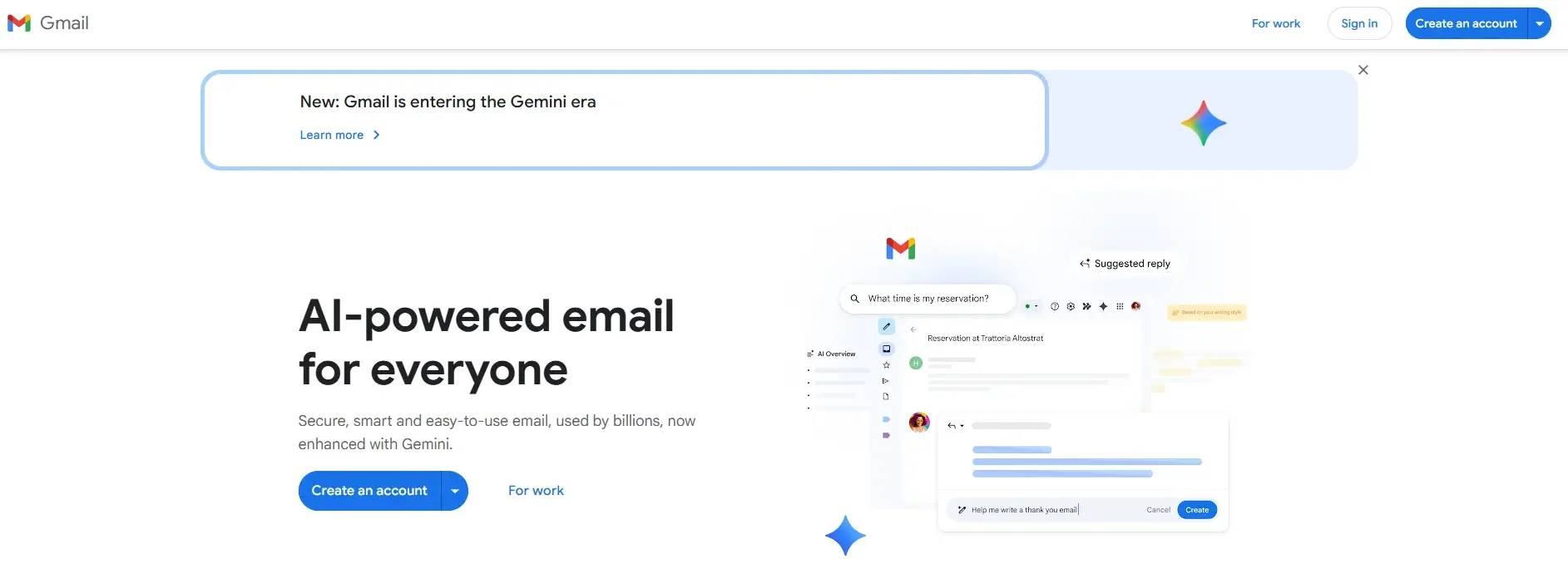
Gmail is like that friend who shows up on time, every time. It just works.
Why people love it:
Super easy to use
Great spam filtering (seriously, it catches almost everything)
Works with Google Docs, Drive, Calendar
The downside:
It is not built for privacy
You’ll see ads
If you’ve never created an email before, this is the easiest place to start.
And if your name is already taken (which happens a lot), you can use a Gmail address generator to quickly come up with a clean, professional one.
2. Outlook
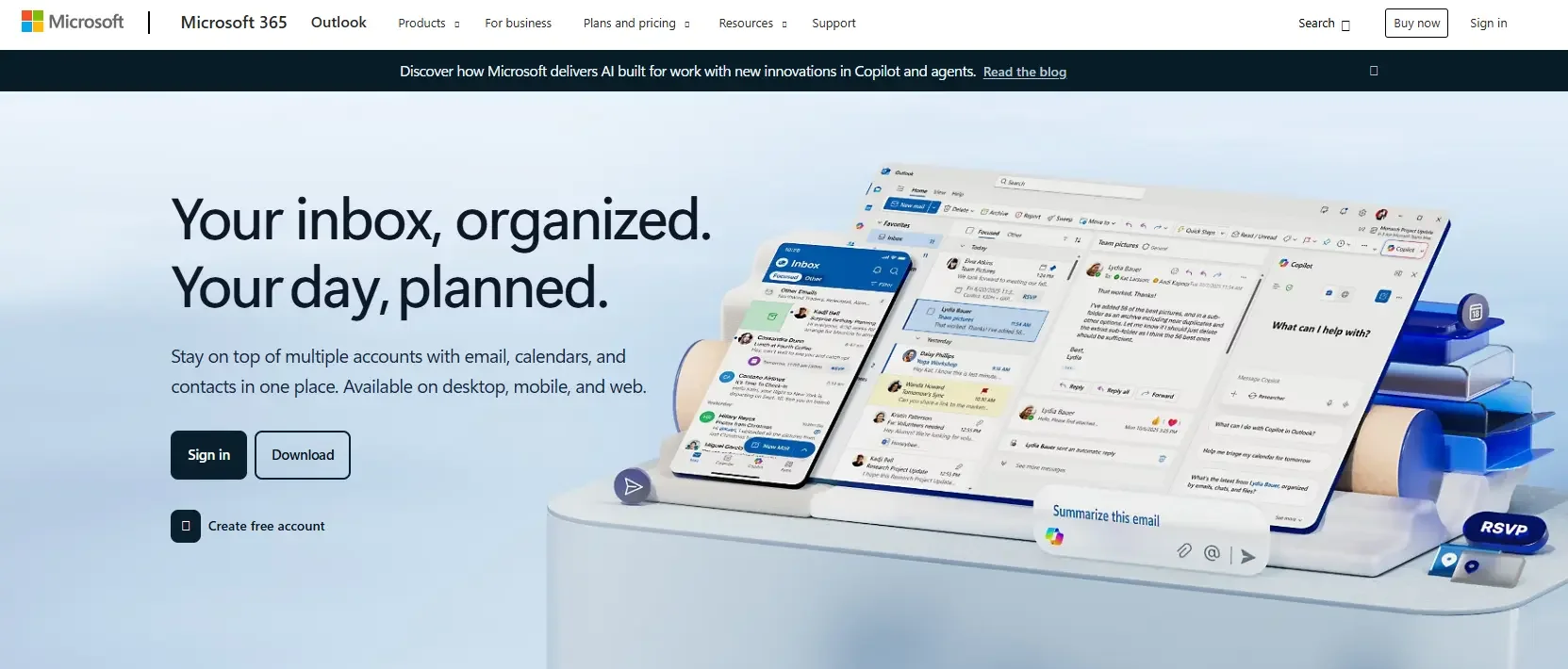
Outlook is what a lot of people switch to when they want something that feels a bit more serious.
Think of it like upgrading from casual clothes to business casual.
Why is it good:
Clean, organized inbox
Great for work emails
Connects with Microsoft tools like Word and Excel
Not so great:
Slightly harder to learn at first
Ads in the free version
If you're emailing clients or coworkers, this is one of the Best Email Hosting Providers to consider.
3. Proton Mail
Now, let’s talk about privacy.
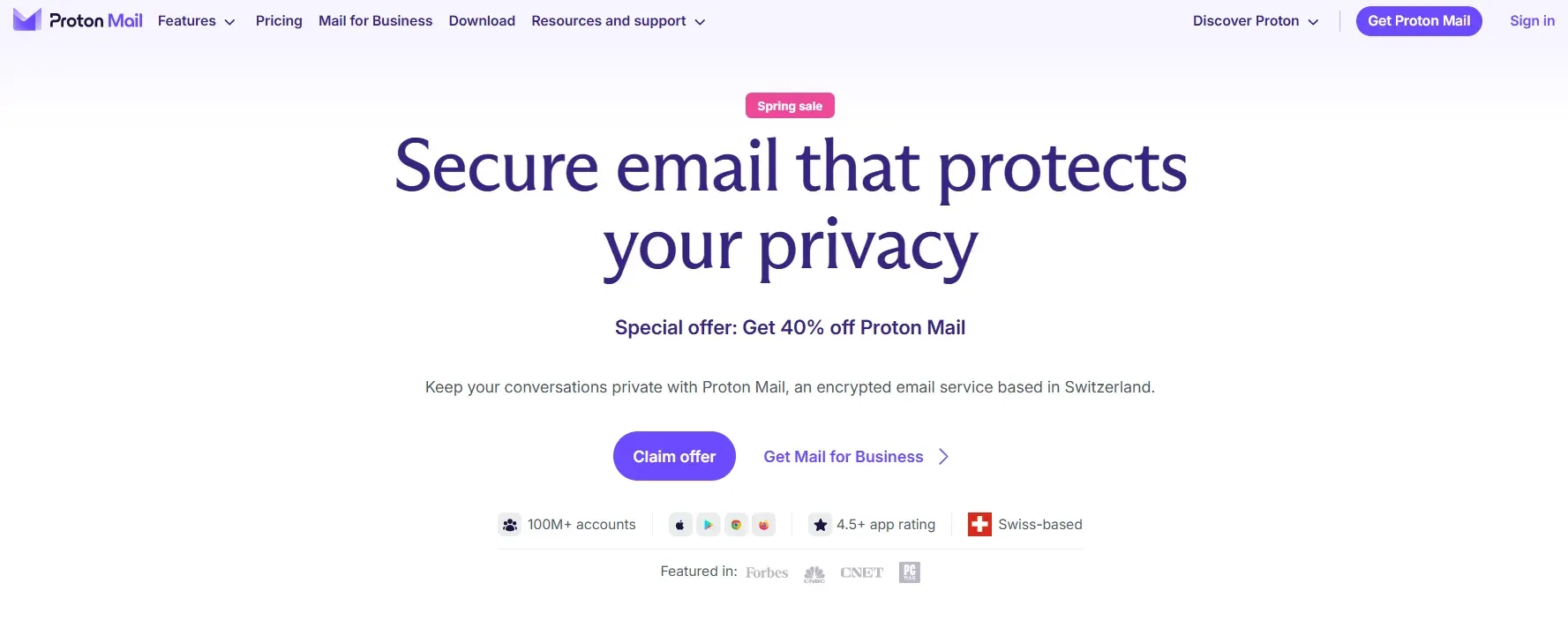
If you don’t like the idea of your data being tracked, Proton Mail is a favorite.
What makes it different:
Your emails are encrypted
No ads
No tracking
The trade-off:
Limited storage
Fewer features
A lot of people today are switching to tools like this when looking for a best free email service that respects privacy.
4. Yahoo Mail
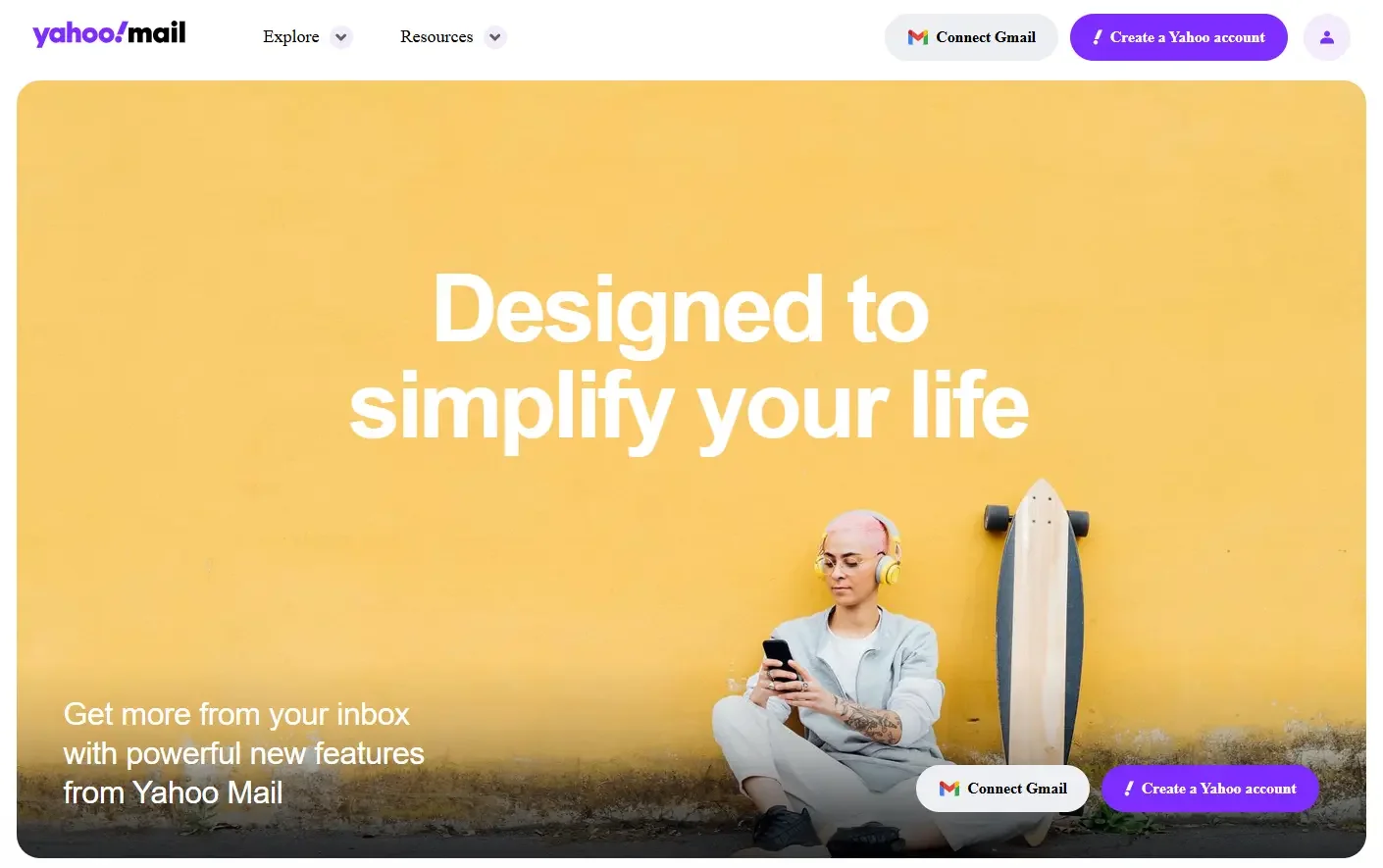
Yahoo Mail is kind of like that old-school tool that still does one thing really well.
And that one thing? Storage.
Why people still use it:
Huge inbox space (you probably won’t run out)
Simple to use
The downside:
Ads can feel a bit much
Not as modern as others
If your inbox is always full, this is one of the more practical email providers.
5. Zoho Mail
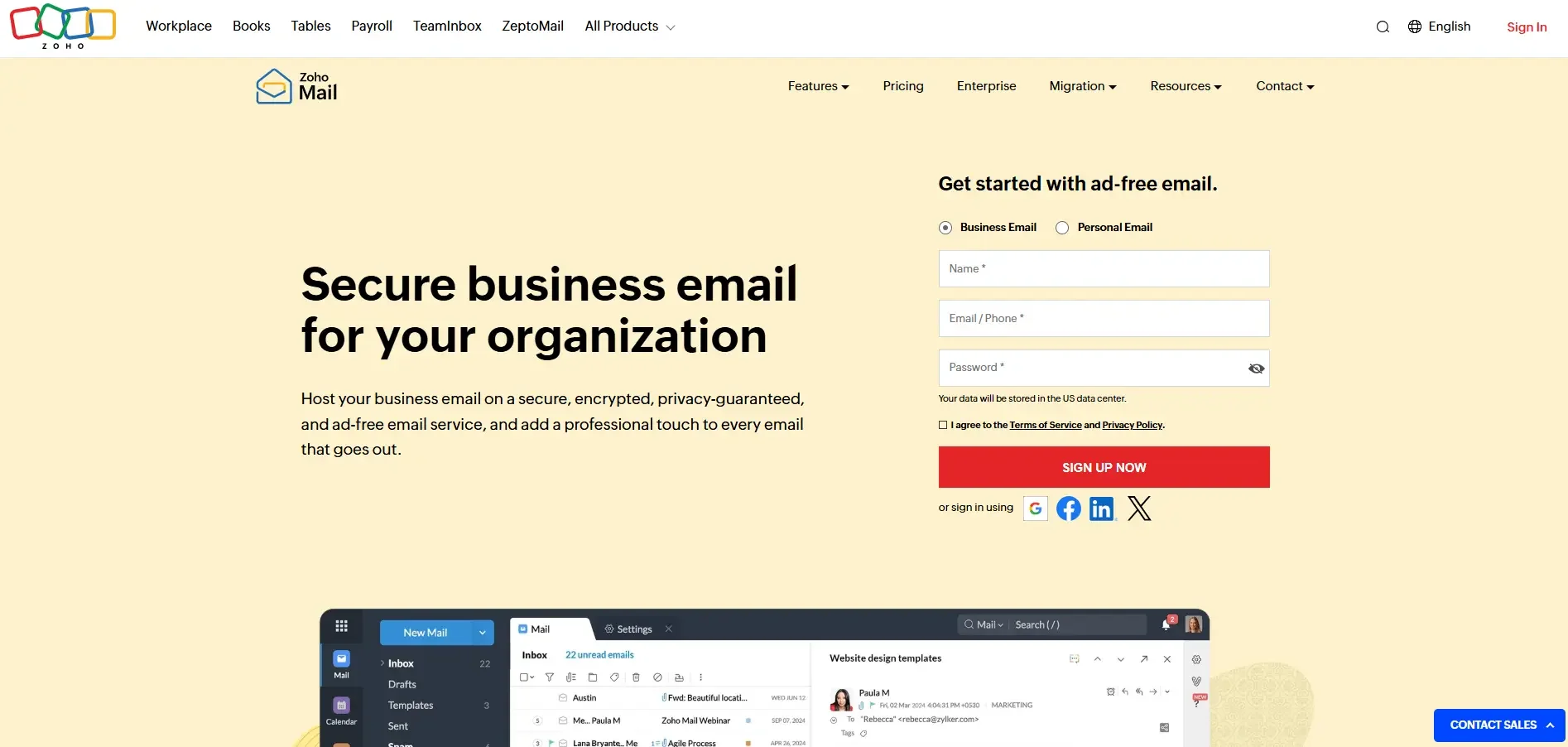
Zoho Mail doesn’t get talked about as much, but it should.
Especially if you’re running a business.
Why it stands out:
No ads
Clean interface
Lets you use your own domain (like [email protected])
The catch:
Setup takes a little effort
Not as beginner-friendly
Before setting things up, many people use an email address generator to find a name that actually sounds professional.
Because let’s be honest…
“[email protected]” doesn’t exactly inspire trust
6. GMX
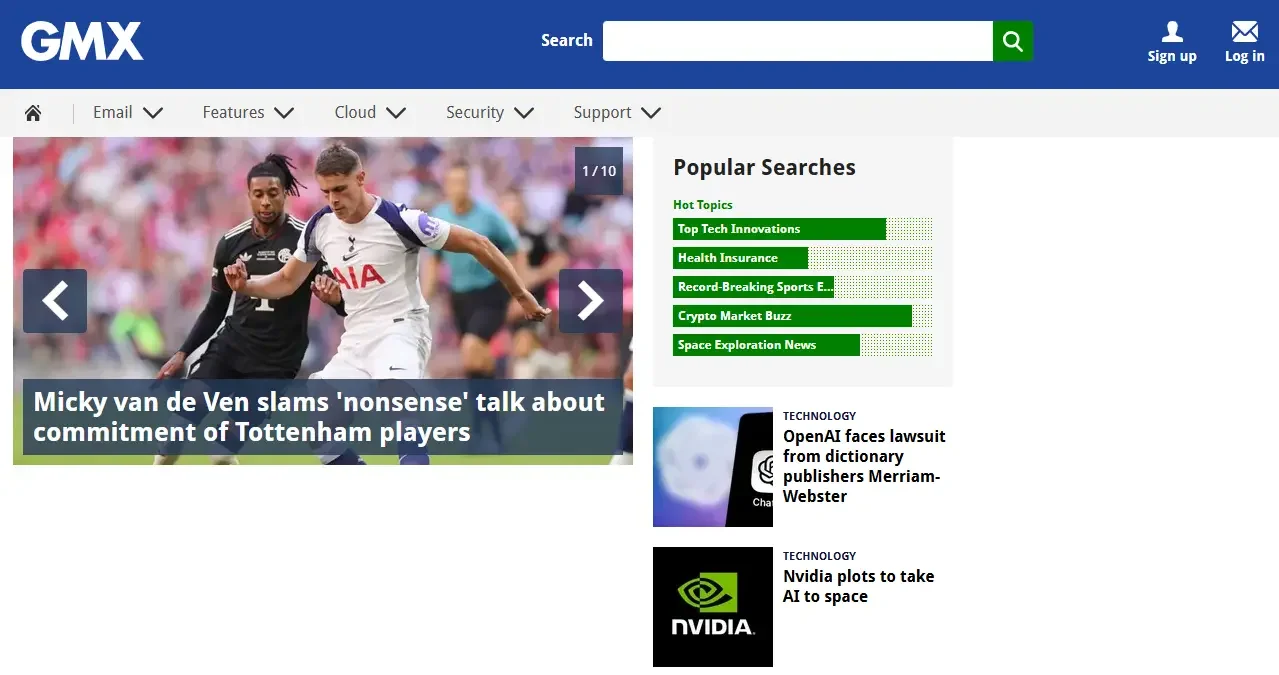
GMX is not flashy. But it gets the job done.
What you get:
Unlimited email storage
Large file attachments
Basic, easy-to-use interface
What you don’t:
A modern design
Advanced features
Still, it earns a spot among the Best Free Email options for people who just want something simple.
What most people don’t tell you
Here’s the truth:
There is no “perfect” email provider.
It’s like choosing a phone.
Some people want a great camera.
Others just want battery life.
Same thing here.
From what real users say, most people care about:
Less spam
Easy layout
No headaches
That’s it.
Which one should you pick?
Let me make it super simple:
Go with Gmail → if you want something easy
Pick Outlook → if you want a work-ready feel
Choose Proton Mail → if privacy matters most
Use Yahoo Mail → if you need lots of space
Try Zoho Mail → if you’re building a business
One small thing that makes a big difference
Your email name matters more than you think.
It is the first thing people see.
Compare these:
Big difference, right?
If you're stuck, just use an email address generator. It saves time and gives you ideas you wouldn’t think of.
Final thought
You should not overthink about it. Pick one of the Best Email Providers, try it out, and see how it feels. You can always switch later. The goal isn’t to find the “perfect” tool. It’s to find one that makes your life easier every day.
P.S. Here’s a great free online signature generator.




















