How to Create an Email Account Without Phone Number
Have you ever tried to set up a new inbox, only to be stopped by a screen demanding your private digits? It’s a bit frustrating, right? You just want to send a message, not give away your personal data to a giant corporation.
The good news is that you don’t always need a smartphone to get online. Whether you are looking to protect your privacy or you simply don’t have a working mobile plan at the moment, learning how to create an email account without phone number requirements is a great skill to have.
Let’s look at how you can get connected while keeping your data to yourself.
Finding an Email Without Phone Number Requirements
Most big names like Google or Yahoo ask for your number to make sure you aren’t a robot. They call this "verification." While it helps them stop hackers, it can be a real pain for you if you want to stay anonymous.
On forums like Reddit, many people have shared that Big Tech is making it harder to skip this step. However, if you know where to look, you can still find an email without phone number checks by choosing providers that value your "digital footprint" over their data collection.
How to Create Email Without Phone Number Barriers
If you want a permanent home for your messages, you should look for services built specifically so you don't have to share personal info. When you want to create email without phone number hurdles, privacy-focused providers are your best friends.
Instead of a phone number, these services might ask you to:
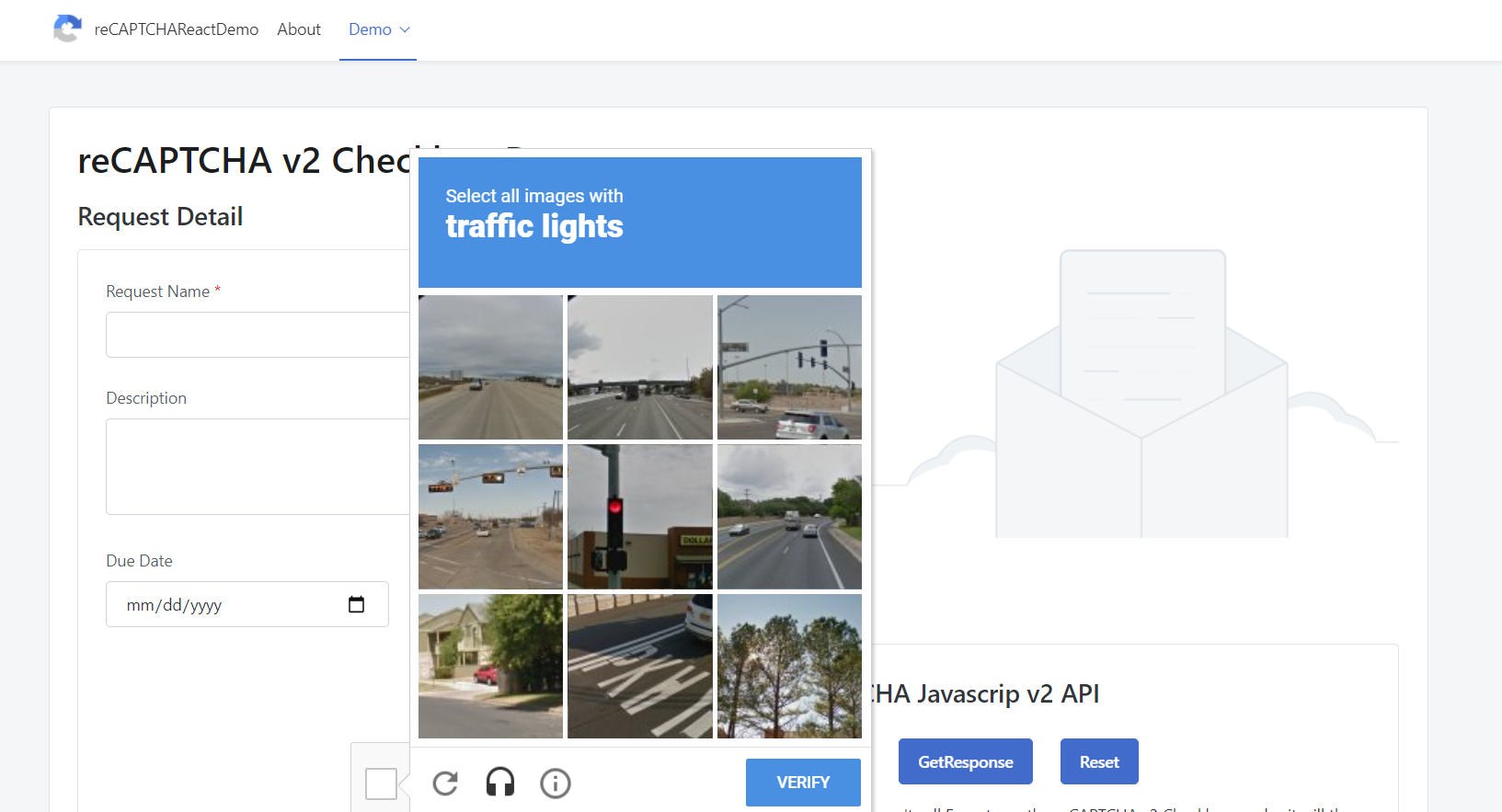
Solve a quick CAPTCHA (those "click the traffic lights" puzzles).
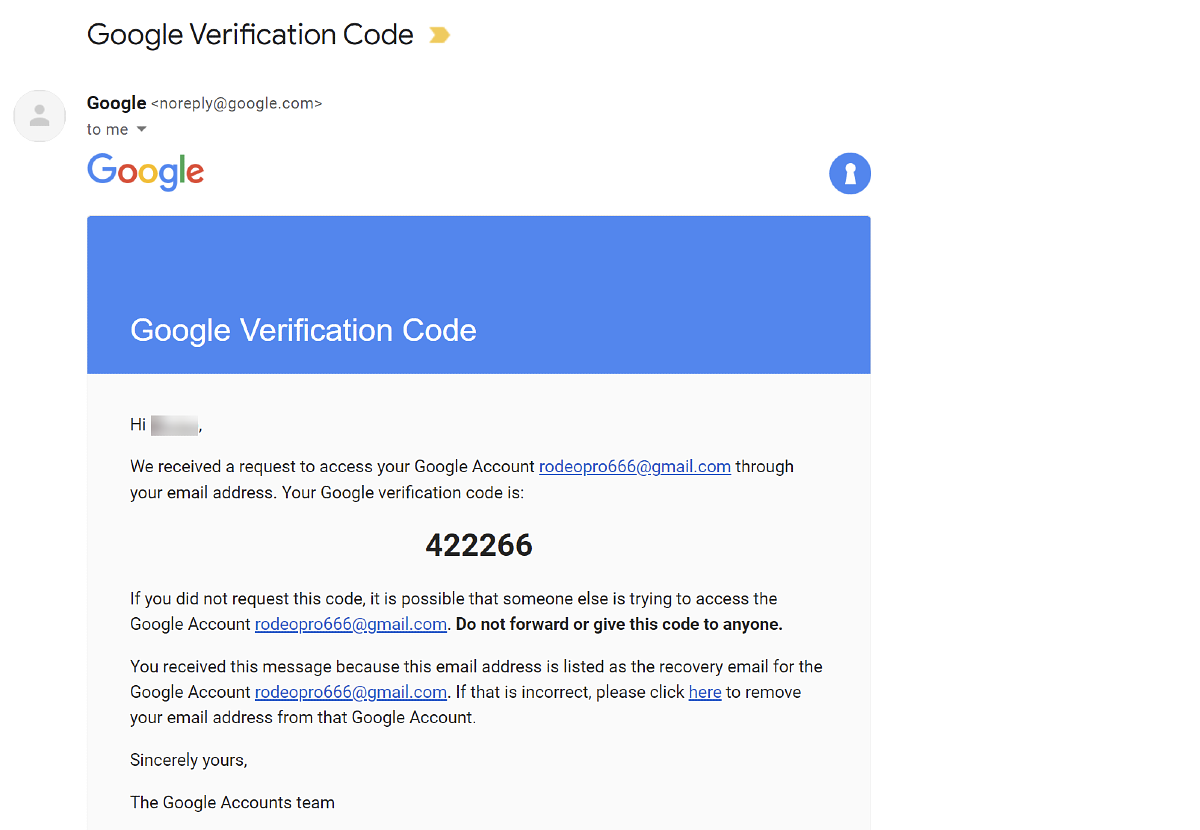
Provide a "recovery email" from an old account.
Use a secure email provider that doesn't track your location.
Using an Email That Doesn't Require Phone Number Verification
Sometimes, you don't need a permanent inbox. Maybe you just want to grab a discount code or sign up for a game you'll play once. In these cases, you can use a temp email.
A temp email is a disposable address that lasts for a few minutes or hours. It is the perfect example of an email that doesn’t require phone number verification because it’s designed to be thrown away. Just remember: don't use these for important things like your bank, because once that timer runs out, your access is gone!
Quick Tips for Success
If you are determined to create email account without phone number prompts, try these tricks:
Skip the Optional Fields: Always check if the phone box has a "Skip" or "Maybe Later" button. Sometimes it looks mandatory, but it's actually not!
Try a Different Device: If your phone keeps asking for a number, try signing up on a library computer or an old laptop.
Check Privacy Guides: Look for online privacy tutorials that list which specific sites have updated their sign-up rules recently.
Setting up a new account shouldn't feel like an investigation. By choosing the right private messaging tools, you can keep your life organized without giving up your phone number.




















