7 Proven Ways to Boost Your Email Engagement in 7 Days
Email engagement improves when the right subscriber receives a relevant message, in the inbox and not in spam, at a time they expect it. Most lists lose engagement for one of three reasons: mail lands in spam, the audience is too broad, or the email asks for too much. This plan addresses all three, one task per day.
Seven days is enough to put every change in place. Mailbox providers judge sender reputation over several weeks, so the full effect appears over the following month. Record your baseline on Day 1, compare it on Day 7, and check it again a month later.
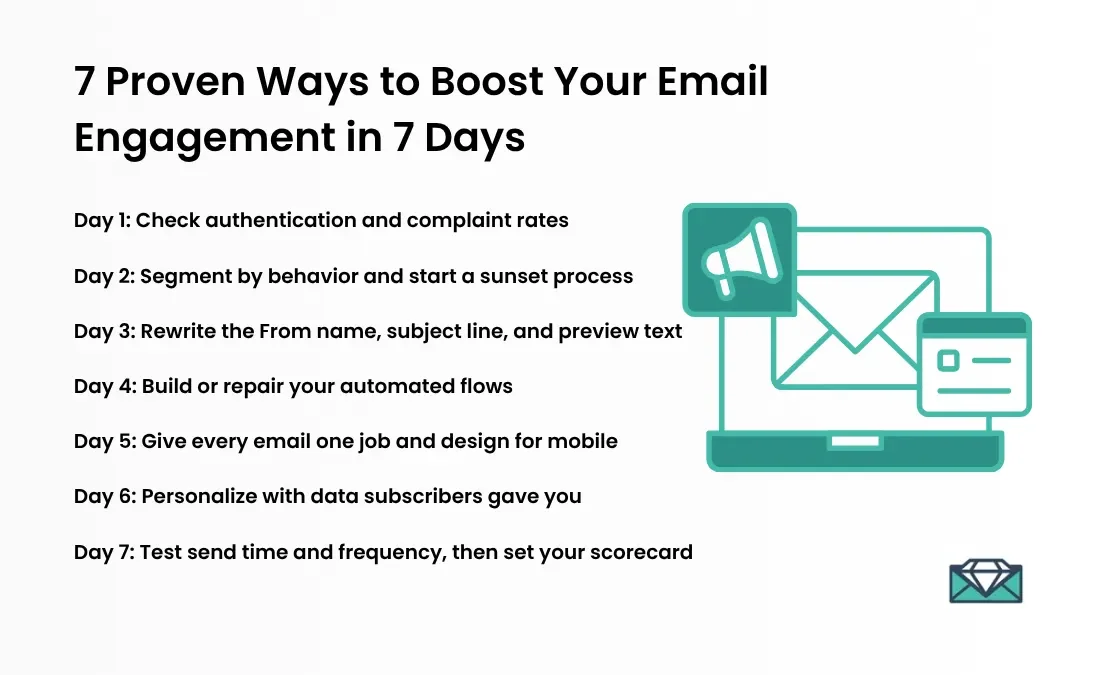
The 7 Day Plan at a Glance
Day 1: Check authentication and complaint rates
Day 2: Segment by behavior and start a sunset process
Day 3: Rewrite the From name, subject line, and preview text
Day 4: Build or repair your automated flows
Day 5: Give every email one job and design for mobile
Day 6: Personalize with data subscribers gave you
Day 7: Test send time and frequency, then set your scorecard
What Email Engagement Means in 2026
Email engagement describes how subscribers respond to the messages you send. Positive signals include clicks, replies, purchases, and forwards. Negative signals include unsubscribes, deletes without reading, and spam complaints. Gmail, Yahoo, and Outlook read the same signals when they decide where your next message lands, so engagement shapes revenue and deliverability at once.
Why Click Rate Is a Better Signal Than Open Rate
Apple Mail Privacy Protection preloads images and tracking pixels for people who enable it, which logs an open whether or not a person read the message. When the feature rolled out in 2021, Omeda measured one publisher’s unique open rate rising from 15.2% to 19.1% while its unique click rate held steady between 1.4% and 1.6%.
Use opens to compare like with like inside one audience. Use clicks, conversions, and revenue per recipient to decide which version won.
What Mailbox Providers Expect From Senders
Since February 2024, Google and Yahoo have required bulk senders, meaning senders of about 5,000 or more messages a day to personal accounts, to meet three standards:
Authenticate mail with SPF and DKIM, and publish a DMARC policy.
Offer one click unsubscribe on marketing mail and honor requests within two days.
Keep the spam complaint rate below 0.3%.
Microsoft applies SPF, DKIM, and DMARC requirements to high volume senders that mail Outlook.com, Hotmail, and Live addresses. Many deliverability teams treat 0.1% as the healthy complaint ceiling, which leaves a buffer before the 0.3% limit.
Day 1: Check Authentication and Complaint Rates
Start with deliverability, because a message in the spam folder cannot earn engagement.
Send a test to a Gmail address, open it, choose Show original, and confirm that SPF, DKIM, and DMARC all read PASS.
If you have no DMARC record, publish one with a policy of none first, review the reports for a few weeks, and tighten the policy once every legitimate sender passes.
Add your sending domain to Google Postmaster Tools and review domain reputation and spam rate.
Switch on the one click unsubscribe header in your email platform, and keep a visible unsubscribe link in the footer. A clear exit gives unhappy subscribers an option other than the spam button.
Note your current click rate, unsubscribe rate, and complaint rate. These numbers are your baseline.
If your complaint rate sits above 0.1%, narrow your sends to the most engaged segment until it falls.
Day 2: Segment by Behavior and Start a Sunset Process

Subscribers who ignore your email pull down engagement metrics and teach mailbox providers that your mail is unwanted. A sunset policy defines when you stop mailing them.
Build behavior segments: clicked or purchased in the last 30 days, in the last 90 days, and no activity beyond that.
Define inactive with clicks, purchases, or site visits, not opens alone, because machine opens hide who is truly inactive.
Choose a threshold that fits your buying cycle. Programs commonly set it between three and twelve months without activity.
Create a reengagement series of two or three emails sent over four to six weeks, spaced seven to fourteen days apart.
Suppress subscribers who do not respond, and move anyone who clicks back into your active segment.
Build the segment and queue the series today. The results arrive over the next several weeks.
Day 3: Rewrite the From Name, Subject Line, and Preview Text
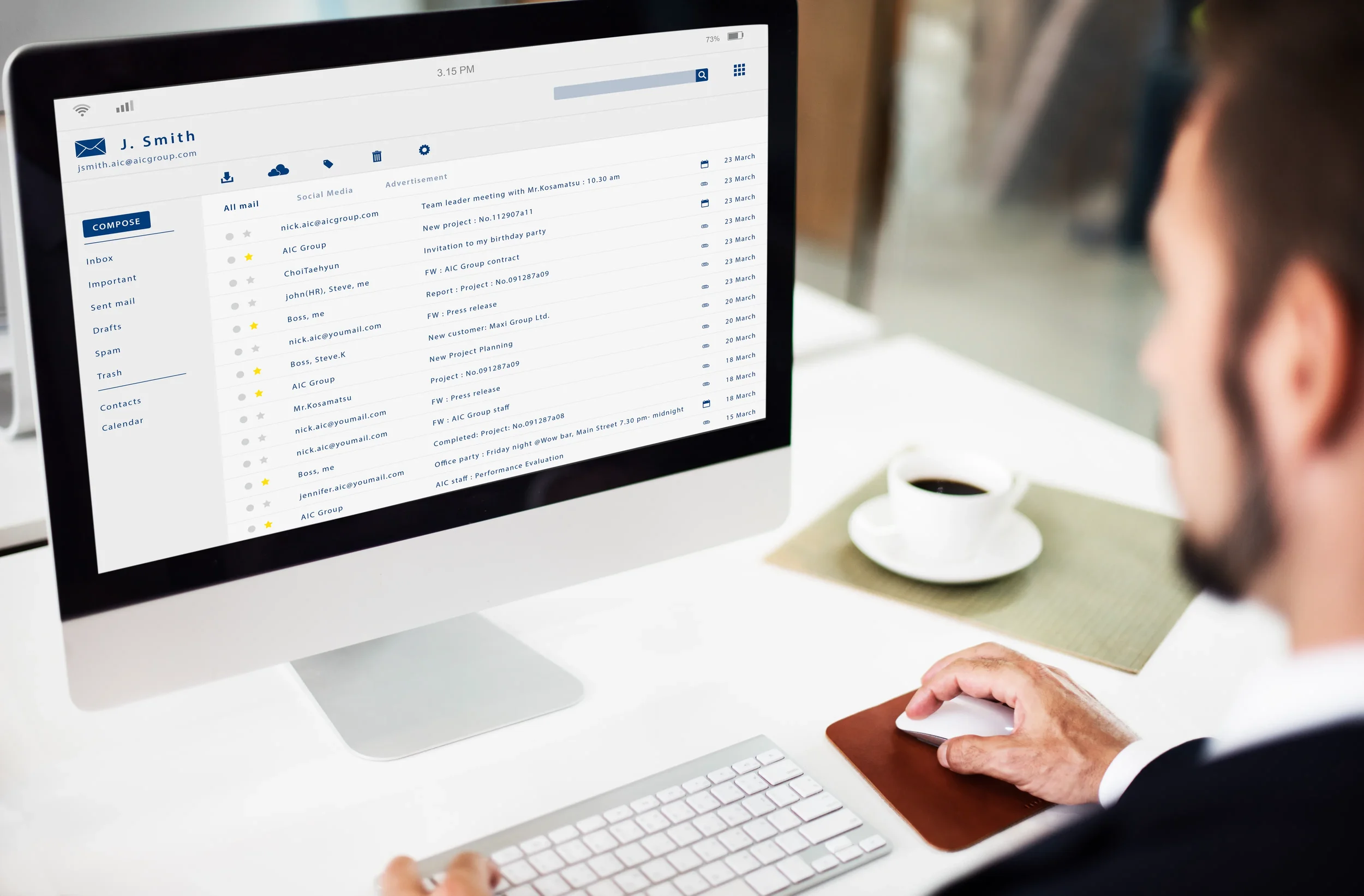
Three elements decide whether a subscriber opens: who sent the email, what it promises, and the supporting line beneath the subject.
From name: Use a consistent, recognizable name. A person plus a brand, such as Maya from Northline, often reads as more personal than a brand name alone. Keep it stable so subscribers learn to trust it.
Subject line: State the specific benefit and place the key words first, because phones truncate long lines. Replace Newsletter 42 with Three fixes for emails stuck in Promotions.
Preview text: Extend the subject with new information instead of repeating it.
Accuracy: A subject line that overpromises raises opens and complaints together.
Judge subject line tests by clicks and conversions, because machine opens distort open based winners. For more ideas, browse these subject line examples.
Day 4: Build or Repair Your Automated Flows
Automation earns more engagement than broadcasts because it responds to behavior. Klaviyo’s 2026 benchmarks, drawn from more than 183,000 brands, show that campaigns made up 94.7% of send volume while flows produced nearly 41% of email revenue from 5.3% of sends. Flows also delivered more than three times the click rate of campaigns.
Build or review these flows in this order:
Welcome series: Deliver what the signup form promised, set expectations for frequency, and ask one preference question. A common structure is three emails over the first week: a welcome with the promised value, a brand or product story, and a nudge toward a first action.
Abandoned cart and browse abandonment: Trigger on intent and keep the message focused on the item left behind. This guide to abandoned cart emails covers timing and structure.
Post purchase: Confirm the order, help the customer use the product, then ask for a review or suggest a refill or complement.
Winback: Connect this flow to the sunset process from Day 2.
If flows already exist, audit timing, remove expired offers, and check that every email renders on a phone. The email flows overview outlines the core set.
Day 5: Give Every Email One Job and Design for Mobile
An email with several competing requests produces few clicks on each. Pick one action per message and make it obvious.
Use one primary call to action as a button, repeated once lower in the email at most.
Open with the point, and keep paragraphs to two or three sentences.
Use readable body type with enough contrast, and write alt text for images so the message still works with images off.
Keep HTML lean. Gmail clips messages above roughly 102 KB, which hides the footer and the unsubscribe link.
Preview in Gmail, Apple Mail, and Outlook on a phone before sending.
Basic structure, including subject, greeting, body, and sign off, is covered in this guide on how to format an email.
Day 6: Personalize With Data Subscribers Gave You
A first name token alone is not personalization. Relevance comes from information that subscribers share or reveal through behavior.
Stated preferences: Ask one question at signup or in the welcome email, such as product interest or goal, and segment on the answer.
Behavioral data: Use browsing, clicks, and purchase history to choose which products or articles appear in the email.
Lifecycle timing: Send replenishment reminders based on how long a product typically lasts.
Preference center: Let subscribers choose topics and frequency instead of forcing a choice between everything and nothing. This reduces unsubscribes and complaints.
Use only data that people knowingly provided or generated on your site, and describe its use plainly in your privacy policy.
Day 7: Test Send Time and Frequency, Then Set Your Scorecard
Published studies disagree on the best day and hour to send, which is the reason to test on your own list.
Change one variable at a time, such as send time.
Split the audience evenly and at random.
Run each test long enough to cover weekday and weekend behavior, with enough recipients to separate a real difference from noise.
Judge the result by clicks, conversions, and revenue per recipient.
Raise frequency only for engaged segments, and lower it for the least engaged.
Your scorecard for the following month:
Click rate and click to open rate
Revenue per recipient
Conversion rate
Unsubscribe rate
Spam complaint rate
Inbox placement from a seed test
Compare each metric with your Day 1 baseline and review the set weekly.
What to Expect After Seven Days
Subject lines, calls to action, and personalization affect click rate within a send or two. Authentication, list cleanup, and complaint reduction take longer, because mailbox providers update sender reputation gradually. Treat the seven days as the setup and the following month as the proof.
Common Mistakes That Lower Engagement
Reading open rate as proof of interest.
Sending every message to the entire list.
Increasing volume to offset falling engagement, which usually speeds up the decline.
Changing the From name or sending domain often.
Hiding the unsubscribe link, which raises spam complaints.
Running tests without a single clear variable.
Frequently Asked Questions
What is a good email engagement rate?
It depends on industry, list quality, and whether your platform counts machine opens. Compare click rate and revenue per recipient against your own history and against benchmarks for your industry, such as Klaviyo’s annual report for ecommerce brands.
How can I increase email engagement fast?
Fix deliverability, send to engaged segments first, tighten subject lines, and give each email a single call to action. These changes affect results within one or two sends.
Why did my open rate change suddenly?
The cause is often tracking behavior, not reader behavior. Apple Mail Privacy Protection and security scanners can add machine opens. Check whether click rate moved in the same direction before you act.
How often should I email my list?
Match frequency to the value you deliver and to the engagement of each segment. Engaged subscribers tolerate more mail, and inactive subscribers need less or none.
Should I remove inactive subscribers?
Yes, after a reengagement attempt. Inactive contacts lower engagement metrics, add sending cost, and weaken sender reputation.
About the Author
Chase Dimond is a well known email marketer, entrepreneur, and co founder of Structured, an ecommerce email marketing agency. Over more than a decade, he has helped ecommerce brands generate more than $200 million in email attributed revenue through campaigns, automated flows, retention strategy, and copywriting. He also built a travel email publication from zero to 500,000 subscribers in 10 months.
Chase's work and commentary have appeared in Business Insider, Entrepreneur, Shopify, and Practical Ecommerce. Read more on his background page, subscribe to his weekly email marketing newsletter, or connect with him on LinkedIn.