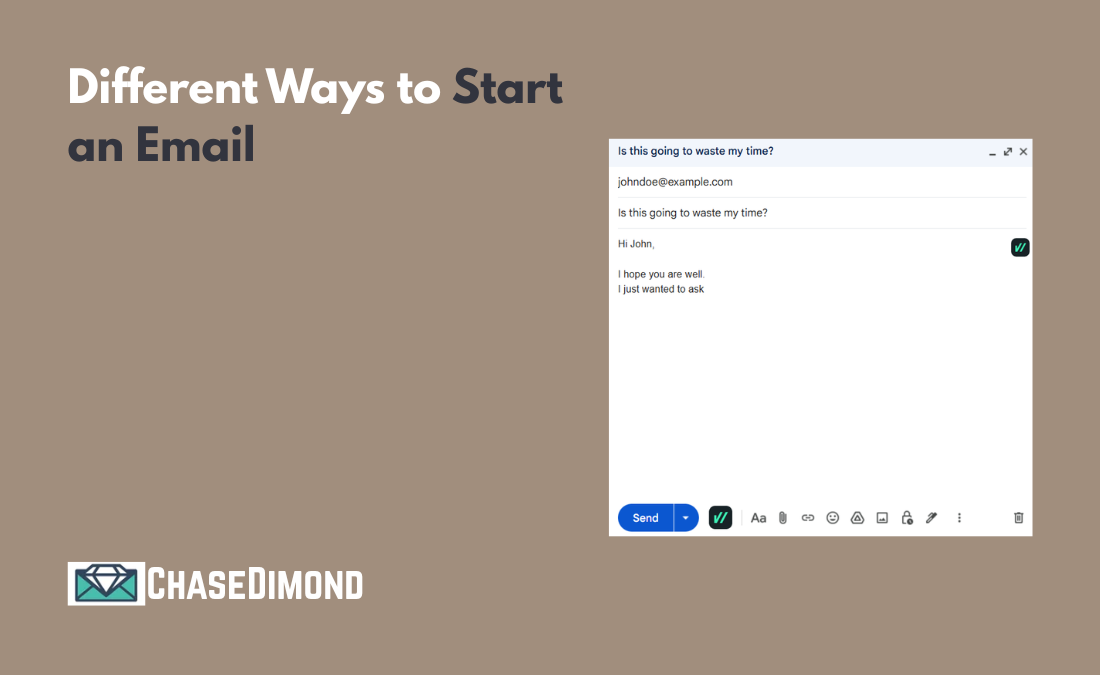
Different Ways to Start an Email – Chase Dimond
Starting an email shouldn’t feel harder than writing the rest of it,but somehow, it often does.
You open a blank draft. You know what you want to say. You know who you’re sending it to. And yet your fingers hover over the keyboard while you think, How do I start this without sounding awkward, cold, or fake?
If that sounds familiar, you’re in the right place.
Learning how to start an email is one of the simplest ways to improve your communication. The opening line sets the mood, builds trust, and quietly tells the reader whether your message is worth their time.
Let’s walk through real, human ways to start an email,the kind that sound natural, feel respectful, and work in everyday situations.
Why the First Line of an Email Matters More Than You Think
Before someone reads your request, update, or idea, they read your opening.
That first line answers a few unspoken questions right away:
Is this email friendly or formal?
Is it relevant to me?
Is this going to waste my time?
A thoughtful opening helps the reader feel comfortable. It shows respect. It also makes your message easier to read, especially when inboxes are already overflowing.
This matters even more when you’re writing:
A cold or introduction email
A follow-up or reminder
A sensitive or important message
You don’t need perfect words. You just need the right words for the situation.
How to Start an Email (A Simple, Human Formula)
Most good email openings follow the same basic structure:
Greeting → Light context → Reason for writing
You don’t need to use all three every time, but this framework keeps your opening clear and natural.
For example:
“Hi Alex, I wanted to follow up on our conversation from last week.”
It’s polite, direct, and easy to understand. No fluff. No pressure.
How to Start an Email Professionally (Without Sounding Robotic)
If you’re writing to a manager, client, recruiter, professor, or someone you don’t know well, professionalism matters,but that doesn’t mean sounding stiff.
Here are safe, friendly examples of how to start an email professionally:
“Hi Sarah, I’m reaching out regarding…”
“Hello James, I wanted to share a quick update about…”
“Dear Hiring Manager, I’m writing to express my interest in…”
These openings work because they’re respectful and clear. They don’t try too hard, and they don’t feel outdated.
If you’re unsure which greeting to use, “Hi” followed by the person’s name is usually the safest choice in modern work culture.
Is “I Hope This Email Finds You Well” Still Okay?
Yes,it’s still okay. But context matters.
“I hope this email finds you well.” is polite and familiar. Many people use it because it’s safe and neutral. The problem isn’t that it’s wrong,it’s that it’s overused.
If you like it, use it. Just don’t rely on it every time.
Here are a few natural variations that feel more personal:
“I hope this email finds you well. I wanted to follow up on…”
“I hope you’re doing well this week.”
“I hope you had a good weekend.”
Friendly and Casual Ways to Start an Email
Not every email needs to sound formal. If you already know the person, or if you’re writing internally, a relaxed tone often works better.
Here are friendly ways to start an email that still feel professional:
“Hi Sam, quick question for you.”
“Hey Taylor, just wanted to check in.”
“Hi everyone, hope you’re all doing well.”
These openings feel human because they mirror how people actually speak. They’re especially useful for team emails, project updates, and everyday communication.
How to Start Off an Email When You’re Following Up
Follow-up emails can feel uncomfortable. You don’t want to sound pushy, but you also don’t want to disappear.
A good opening removes that tension.
Here are gentle ways to start off an email when following up:
“Just following up on my previous message…”
“I wanted to check back regarding…”
“Circling back to see if you had any updates.”
These lines are respectful and clear. They assume good intent and acknowledge that people are busy.
How to Start an Introduction Email (When You Don’t Know the Person)
An introduction email has one main job: helping the reader understand who you are and why you’re emailing them.
The best openings are simple and honest.
Examples:
“Hi Maria, my name is Jordan, and I’m reaching out because…”
“Hello Chris, I was referred to you by…”
“Hi Aisha, I came across your work and wanted to connect.”
You don’t need to impress anyone in the first sentence. Clarity builds trust faster than cleverness.
When It’s Better to Skip Small Talk
Sometimes, the most respectful thing you can do is get straight to the point.
This works well for:
Internal updates
Clear requests
Direct openings might look like:
“I’m writing to confirm…”
“This email is to share an update on…”
“I wanted to ask about…”
These openings are efficient without being rude. You can still be polite, just concise.
Common Email Openings That Can Hurt Your Message
Even with good intentions, some openings make emails harder to read.
Try to avoid:
Overly long greetings
Forced enthusiasm (“Hope you’re having the best day ever!!!”)
No greeting at all
Being too casual with someone you don’t know
If you’re unsure, choose neutral and friendly. It’s almost always the safer option.
A Quick Word on Inclusive Email Language
Inclusive writing helps everyone feel respected and welcome.
A few small habits make a big difference:
Use names when you know them
Avoid assumptions about gender, role, or background
Keep language simple and accessible
Clear, inclusive writing isn’t about being perfect, it’s about being thoughtful.
Final Thought: Write Like a Real Person
There’s no single correct answer for how to start an email.
The best opening depends on:
Who are you writing to
Your relationship with them
The purpose of the message
If your opening sounds like something you’d actually say out loud, kind, clear, and respectful, you are on the right track.
Once the first line feels natural, the rest of the email usually flows much more easily. And that’s a win for both you and the person reading it.




















